A store can score well in one test and still annoy its customers. It can also look mediocre in the lab while most real visits work reasonably well. Core Web Vitals make that conversation more concrete, but only if we understand what the numbers actually describe.
In plain English, the metrics ask three questions: when does the main content appear, how quickly does the page respond and does anything jump around while the customer is trying to use it? In ecommerce, I look at product listings, search, product pages, basket and checkout—not just the homepage.
What are LCP, INP and CLS?
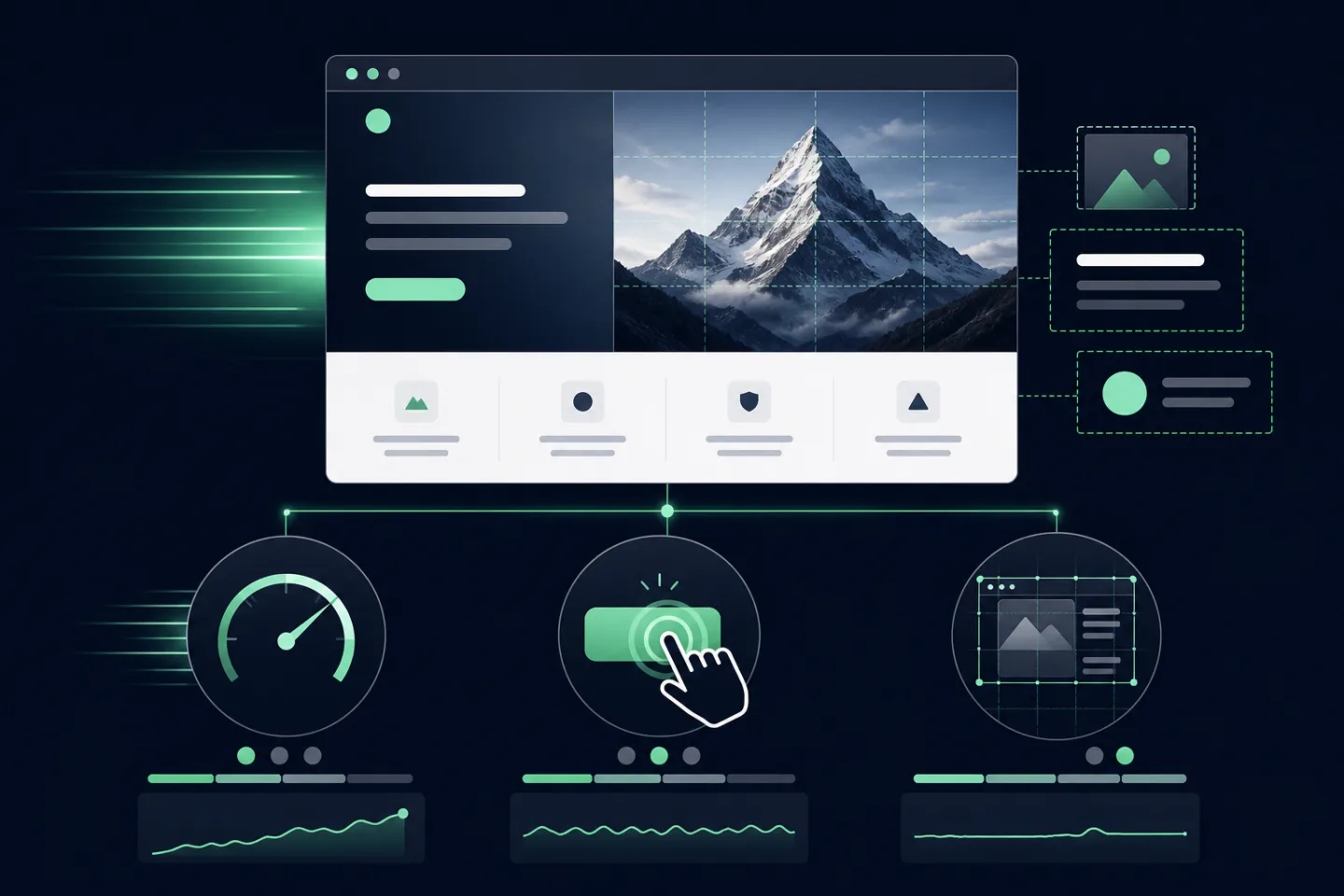
- Largest Contentful Paint (LCP) measures when the largest visible content element is rendered. Product imagery, hero banners, server response and CSS frequently affect it.
- Interaction to Next Paint (INP) evaluates responsiveness across user interactions. Long JavaScript tasks, third-party scripts and complex rendering can delay feedback.
- Cumulative Layout Shift (CLS) measures unexpected movement. Images without dimensions, late banners, fonts and injected widgets are common causes.
Each metric describes a different problem. Smaller images may improve LCP but will not fix a filter that blocks the browser for half a second. Faster JavaScript will not help if a late banner pushes the “Add to basket” button away from the customer’s thumb.
How should you read the thresholds?
According to the current web.dev guidance, a good result is LCP within 2.5 seconds, INP within 200 milliseconds and CLS no higher than 0.1. The assessment uses the 75th percentile of visits and treats mobile and desktop separately.
A threshold is a useful guardrail, not the business goal. The goal is a fast, stable purchase journey on the pages and devices that actually generate orders.
The 75th percentile means we are not judging the site by its best visit. Some customers will get a much faster experience and others—especially on an older phone or a poor connection—will wait longer. A result just inside the green range is not permission to stop looking at the slowest journeys.
Field data or laboratory tests?
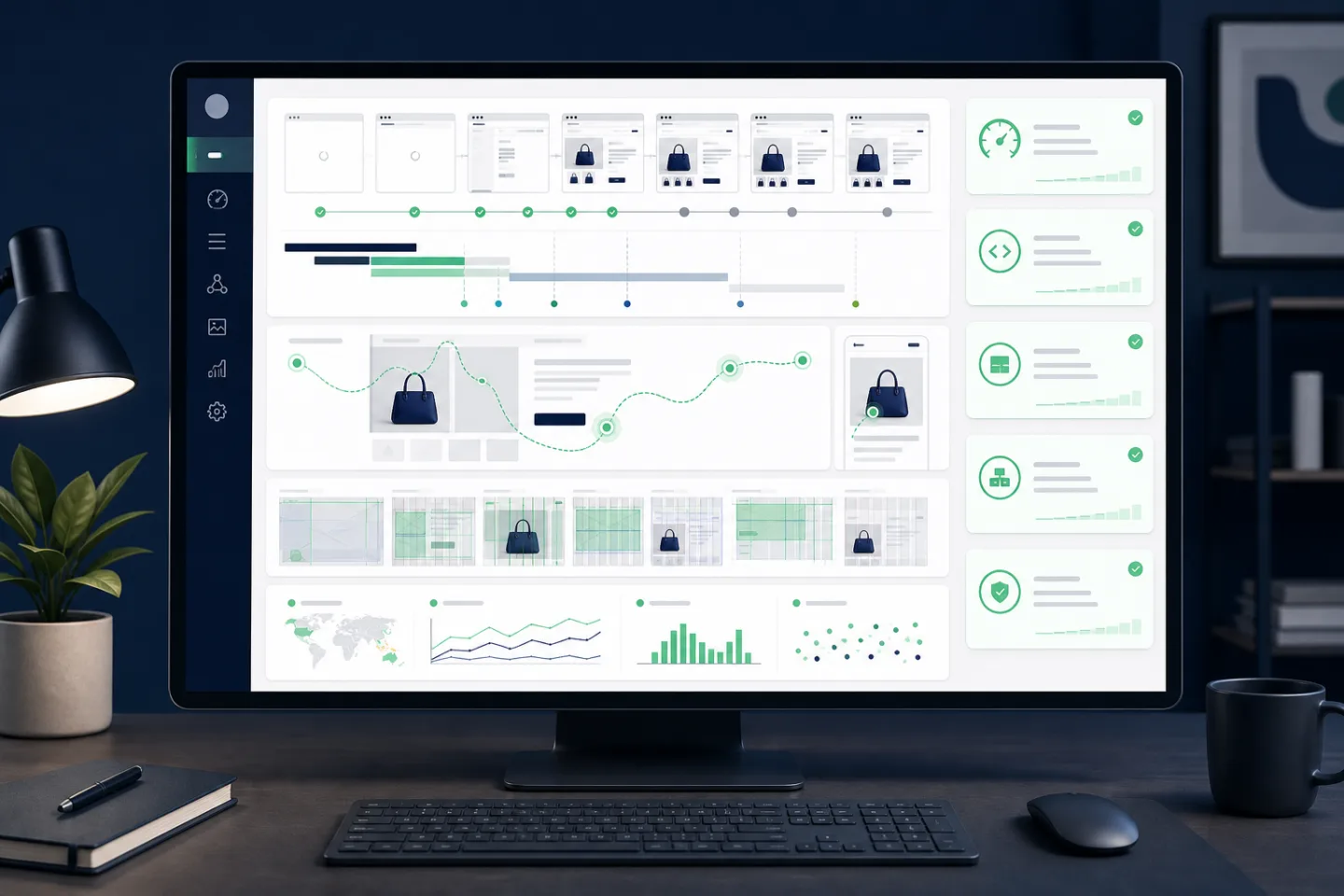
Field data comes from real users and includes differences in device, connection, location and behaviour. Laboratory tests run in controlled conditions and make debugging repeatable. A useful audit needs both: field data identifies the scale of the problem, while laboratory tools help locate its cause.

PageSpeed Insights can show both types of data, but they do not update in the same way. A laboratory score can react immediately after a release, while field data reflects a rolling window of real visits. The Lighthouse score from 0 to 100 is also not the same thing as passing Core Web Vitals.
Do not rely on the homepage alone. Product listing, search, product detail, basket, checkout and customer account templates have different data, scripts and performance risks. A domain-wide average can look healthy while the product page receiving most of the traffic remains slow.
How do you audit an ecommerce store?
- Check measurement and separate mobile from desktop data.
- Identify the templates and markets with the poorest real-user results.
- Reproduce them under consistent laboratory conditions.
- Map each symptom to the rendering path, network, JavaScript or third-party code.
- Prioritise work by business impact, reach and implementation risk.
- Deploy in small batches and confirm the result in both laboratory and field data.
Watch the full page lifecycle: cookie consent can activate analytics, chat, personalisation and advertising scripts after the first screen appears. A fast initial load can still become an unresponsive shopping session.
How do you improve each metric?
Improving LCP
Reduce server response time, prioritise the genuine LCP image, serve correctly sized modern images, remove render-blocking work and keep critical fonts under control. Do not preload every asset; incorrect priorities can delay the resource that matters.
Improving INP
Reduce long JavaScript tasks, break work into smaller chunks, remove unnecessary dependencies and delay non-critical third-party scripts. Product configurators, search suggestions and marketing tags should be profiled on representative mobile hardware.
Improving CLS
Reserve dimensions for imagery, banners and embedded components. Avoid inserting consent messages or promotional content above what the user is reading. Load fonts predictably and use animation techniques that do not trigger layout changes.

What usually slows Magento 2 down?
There is no magic Magento configuration that fixes every shop. I do, however, see the same families of problems again and again: a slow backend response, oversized media, a heavy frontend, extensions loaded everywhere and marketing scripts added without any performance budget.
- Backend: slow database queries, ineffective cache configuration, overloaded indexes or an external API sitting directly in the request path.
- Frontend: too much JavaScript, long tasks and components initialised long before the customer needs them.
- Media: desktop images delivered to a phone or no clear priority for the actual LCP image.
- Extensions: modules adding assets to every page even though their feature appears in one template.
- Marketing: tags, chat and personalisation tools activated without measuring their combined cost.
Hyvä usually simplifies the Magento 2 frontend significantly, but it is not a “fix everything” button. A slow API, poorly prepared images and uncontrolled third-party scripts will still be there. That is why I measure the full shopping journey when replacing the frontend, not just a tidy homepage demo.
How do you make performance continuous?

Performance is not a ticket that stays “done”. A new slider, recommendation engine or campaign with several tracking tags can undo weeks of work in a day. Set budgets for the important templates, test them before release and watch real users after deployment.
Every third-party tool should have a business owner and a reason to exist. If nobody knows why a tag runs on every page, it is a good candidate for removal. The same rule applies to extensions: measure the value and the cost instead of assuming both.
The best results come from a quick frontend, sensible extension choices, correctly configured infrastructure and discipline after launch. Core Web Vitals then become a shared language for product, marketing and development—not an occasional emergency report.